Streamlit Functional Specifications
The plan is to break the 1 streamlit app into multiple apps. This does not mean multiple Repos. It just means using a different python file to launch the Streamlit apps.
Data Prep
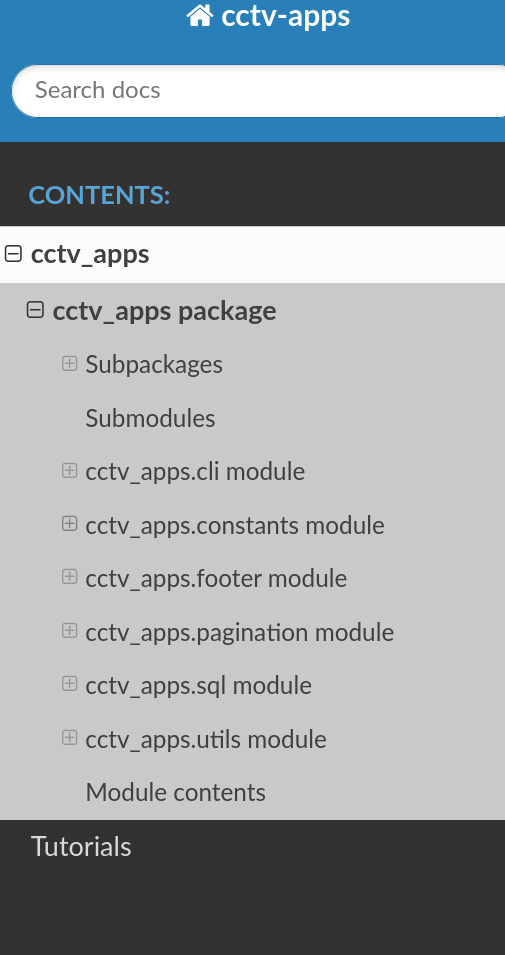
Tutorials in the Documentation
Using the Distance Region Extractor and Video Size Determiner App
Using the Video Player APP
Predict App
predict_main.py
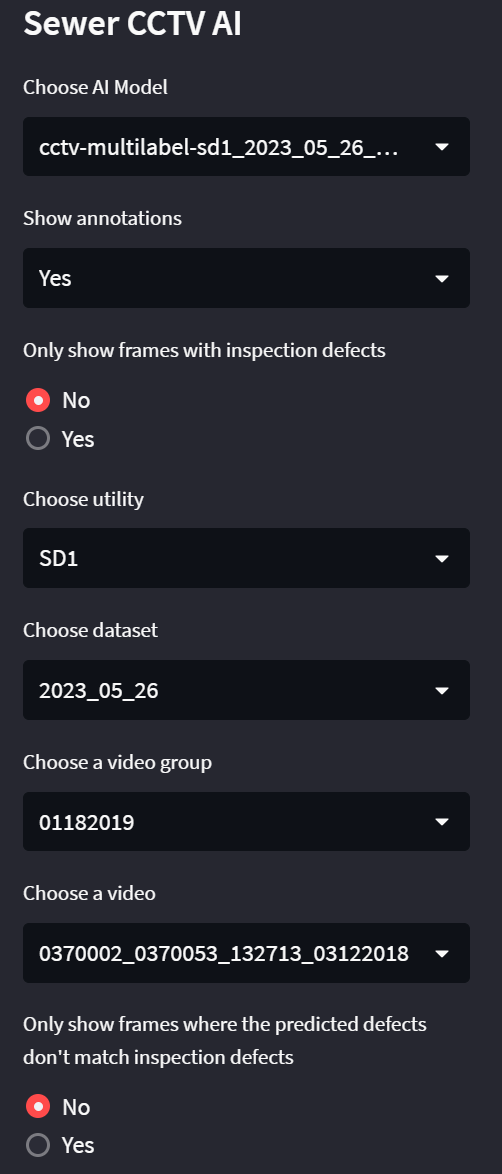
- Permits selection of a model.
- Permits subset of images to load into the Carousel. (Video Group, Utlity ...)
- Blurred or Unblurred show annotations?
- With inspection defects or without inspection defects
- Non-matching(inspected vs predicted)
- predicted but missing in inspected
- Batch inferencing should populate Image, Model ID, and Inference values table.
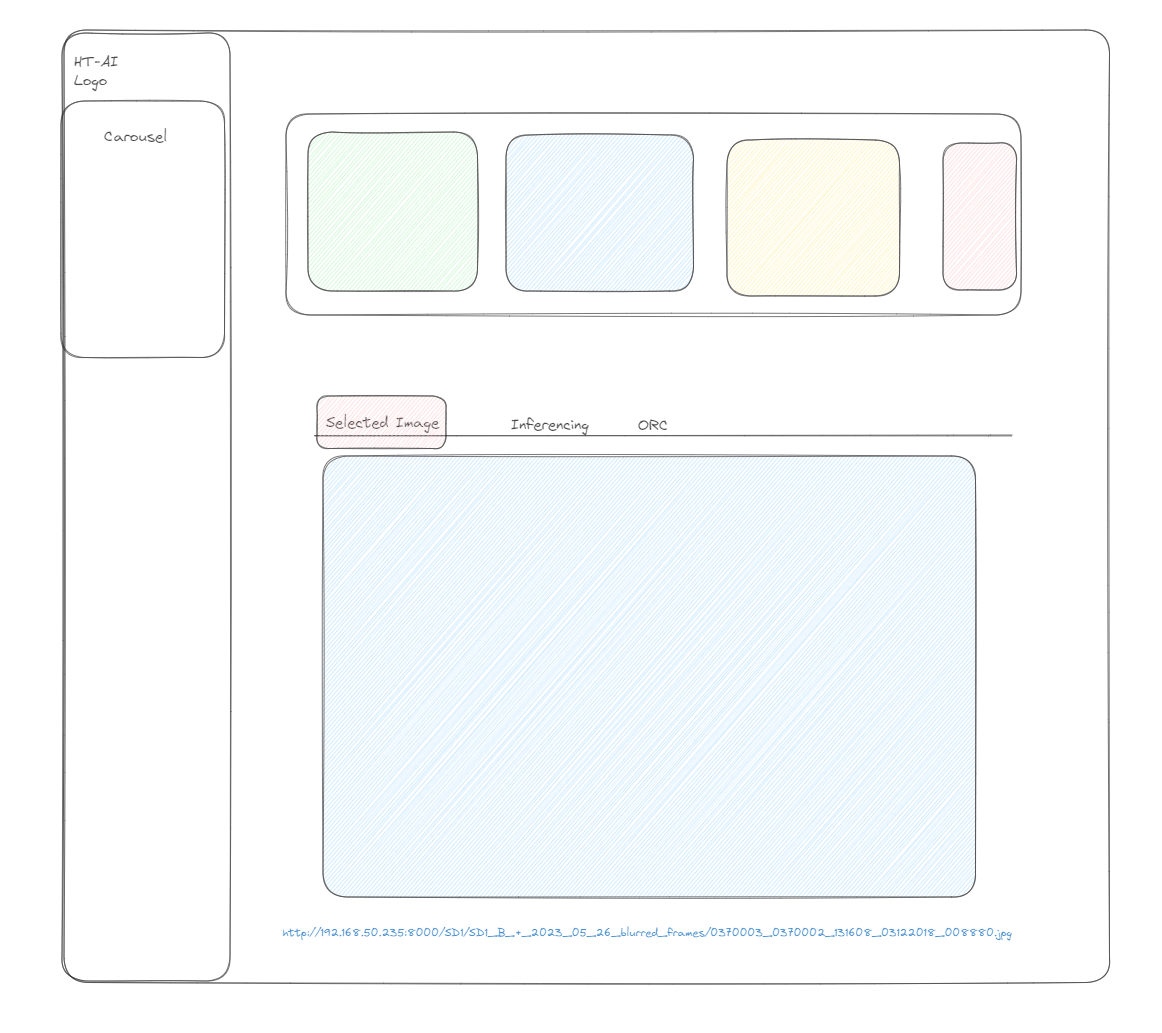
- Information about selected image should be split between three tabs.
- Image
- Inferencing
- OCR
- Summary Inference across all images.
Side bar.
- Pages
- Summary
- Carousel
- Map
- Export shapefile.
- Widgets
- Select Model
- Select Utility
- Select Dataset
- Select Video Group
- Select Video
Tab 1 aka Image
Show the image from the Carousel in a larger format in the Image Tab.
Tab 2 aka Infrencing
Only show frames with Inspection Defects toggle. Only show frames where the predicted defects don't match inspection defects toggle.
TO Be added?
- DO we have enough geolocation data to use this to create a map to visualize where AI is seeing issues but we are not getting reports?
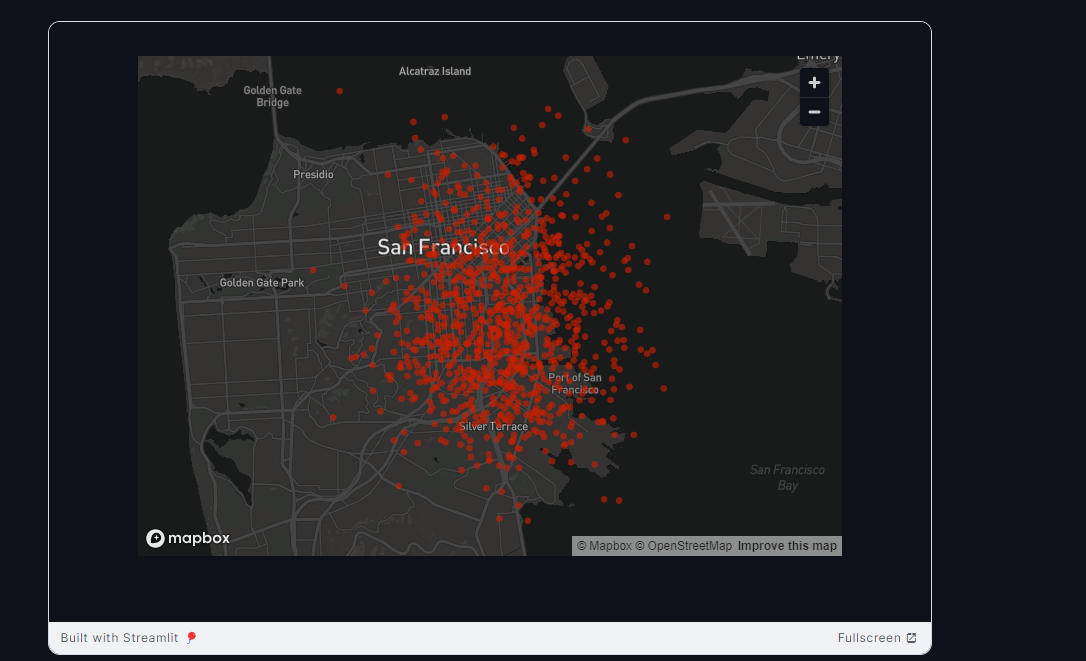
- What kind of graphs can we show?
- Download a list of locations where there are breaks according to the model?
Low Priority Explore file storage.
NOTES during development.
Session Storage
Using Streamlit you can set session storage easily with the inputs like selectbox. The important part of this code is the Key by setting the key it puts it in to the session storage. Then you can access it by referencing the session storage.
st.selectbox("AI Model", models, key="model")

st.write("Selected Model:", st.session_state.model)
Remove Hardcoding
Sudhir wants us to create a Dataset table. It will replace the following code.
dataset_map = {
  "2023_05_26": "SD1_B_+_2023_05_26_blurred_frames/",
  "SD1_B": "SD1_B_+_2023_05_26_blurred_frames/",
  "COV_A": "Data/Extracted_Frames/unzipnew/",
  "Dataset_100923": "Dataset_100923_extracted_frames/"
}
When I went to create it I realized it already existed.
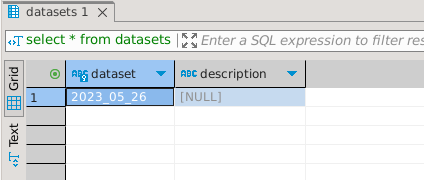
I needed to update it so I added the following sql statements.
UPDATE datasets
SET description = 'SD1_B_+_2023_05_26_blurred_frames/'
WHERE dataset = '2023_05_26';

INSERT INTO datasets (dataset, description)
VALUES
('SD1_B', 'SD1_B_+_2023_05_26_blurred_frames/'),
('COV_A', 'Data/Extracted_Frames/unzipnew/'),
('Dataset_100923', 'Dataset_100923_extracted_frames/');
Final Result
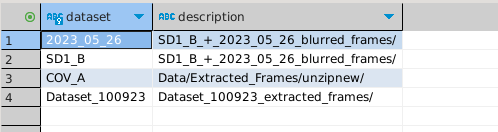
This will need to be added into each database as well as the Gold Standard. I have not done this yet but I will be doing this.
This leads me to the next thing that is currently hardcoded.
Utility dictionary needs to go into a Config file. It cannot go into a database because it is pointing to the databases.
utility_dict = {
      "SD1": "/home/gqc/CCTV/SD1/Data/2023_05_26/Video_DB/Video_DB_SD1_2023_05_26_all_vid_groups_gold_standard.db",
      "COV": "/Databases/Video_DB_COV.db",
      "EBMUD": "/Databases/Video_DB_EBMUD.db"
    }
Streamlit Flow Diagram for Defects Page
Functional Specifications for Defects Page:
In the Side Bar
Menu section: List of the menu options for this streamlit app:
- Summary
- Defects
- Map
Widigets Section: There are Dropdown for the following items: AI Model - The model we want to use to run infrencing on the images in the carousel. Note this does not have to be the model that we ran originally.
The next group all feed into each other. For example the Utility SD1 has 2 datasets. One of which has 10 video groups one of which has 19 videos. So what you choose in the first dropdown changes your choices for the rest.
- Utility
- Dataset
- Video Group
- Video
On Load
There are three items in the defects page on load Images radio buttons, Defects Multiselect, Images Carousel.
The images Radio button default is all. It formulates the query for the database based on All test frames, Test frames with inspected Defects, and Inspected defects that do not match with Prediction defects. The default is all. This is based on the Video Group populated in the sidebar.
The defects Multiselect filters filters the pandas dataframe that comes back from the query. It allows the user to filter for a specific defect. (Should this filter be for the lables or prediction ask Sudhir.) The default is empty. These are from the
Carousel - It displays images based on the Radio Button and Multiselect. The images are selectable. Note the carousel is populated by video group and not video.
Selected Image
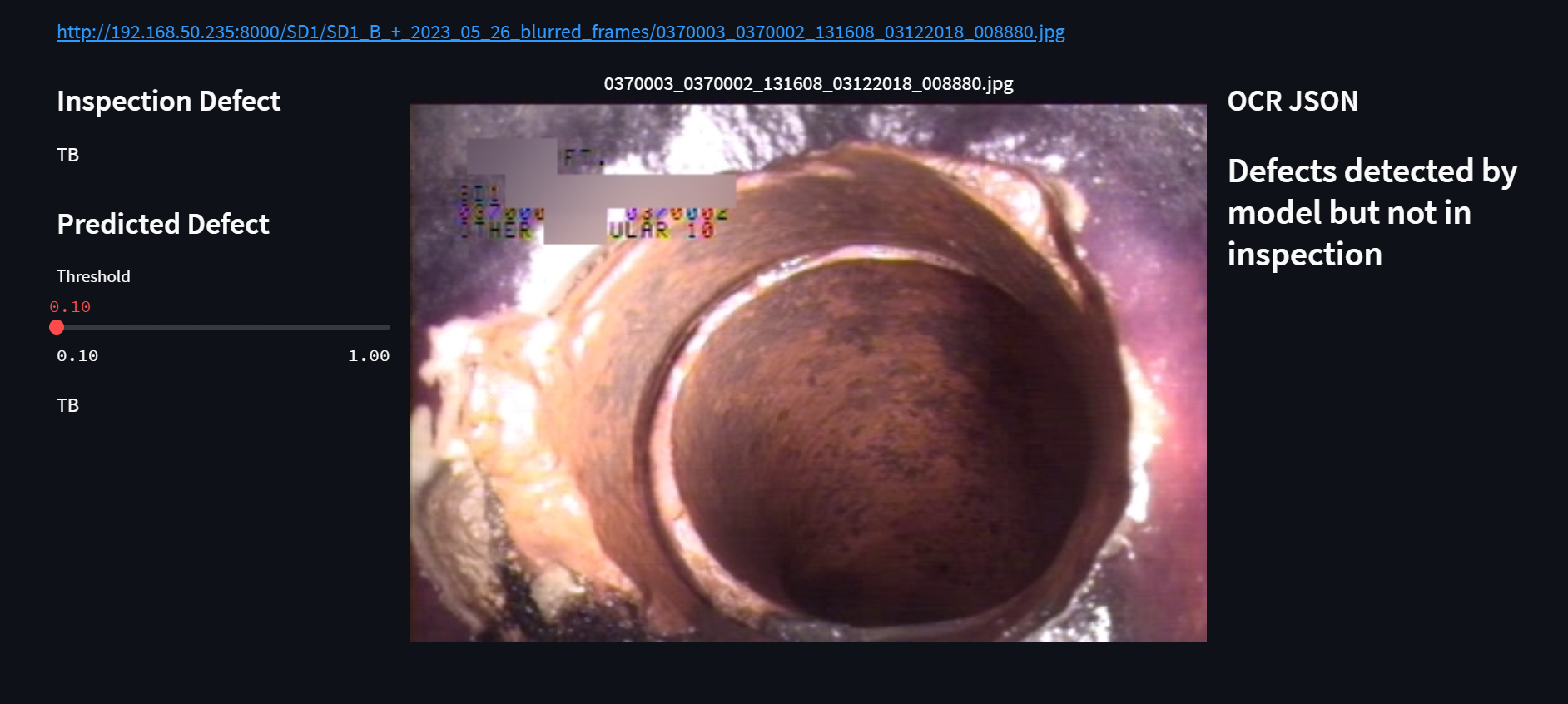
When an image is Selected from the carousel the following happens:
- Image name is displayed (This is currently the full URL for debugging purposes)
- The image is show larger than before
- The Inspected Defect is displayed.
- Infrencing is run on the page based on the selected model.
- The result along with a threshold percentage is displayed.
- The Database is accessed or the OCR Json and it is prettified and displayed.
ERD as of 10/28/2024
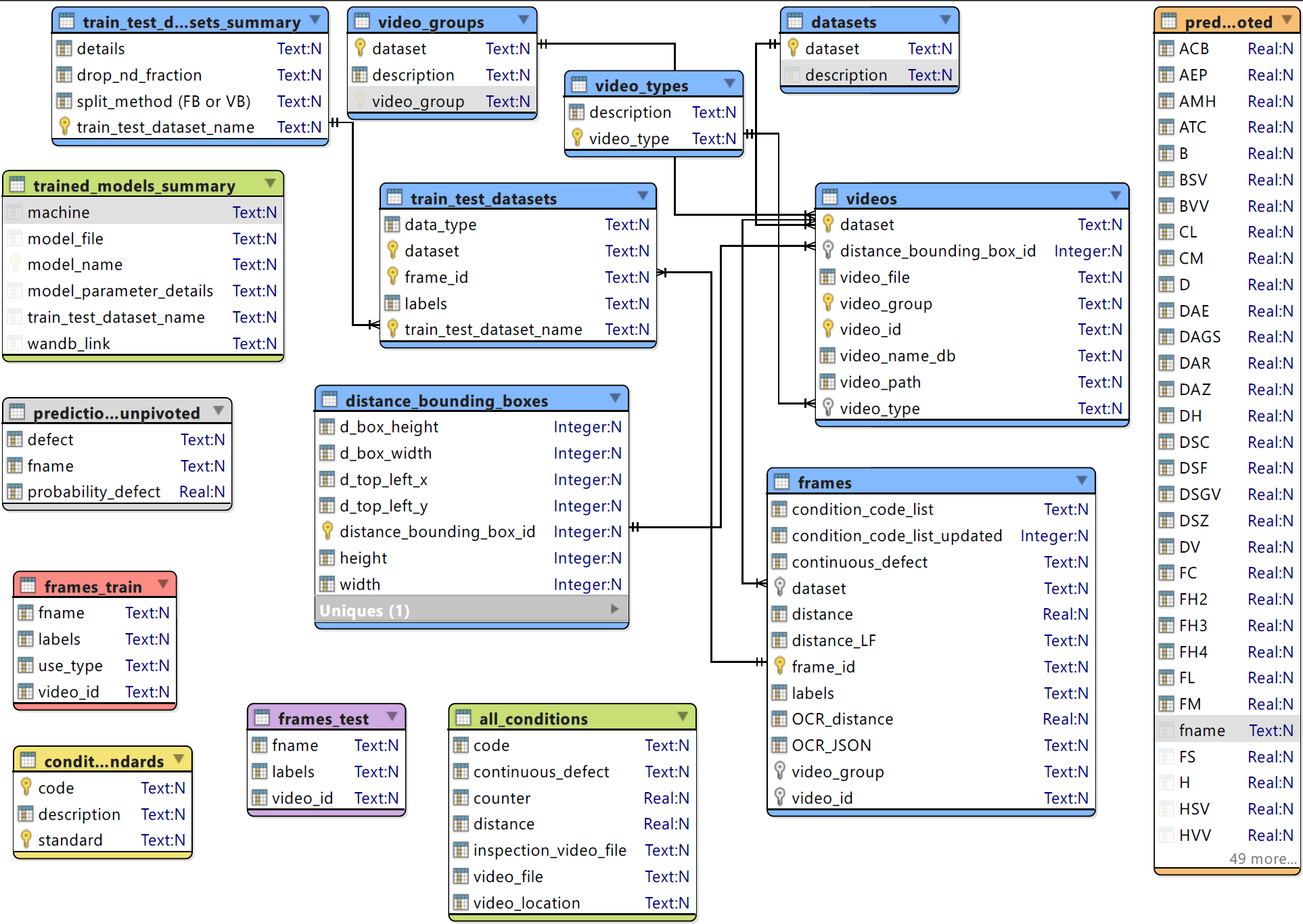
Full Flow Diagram
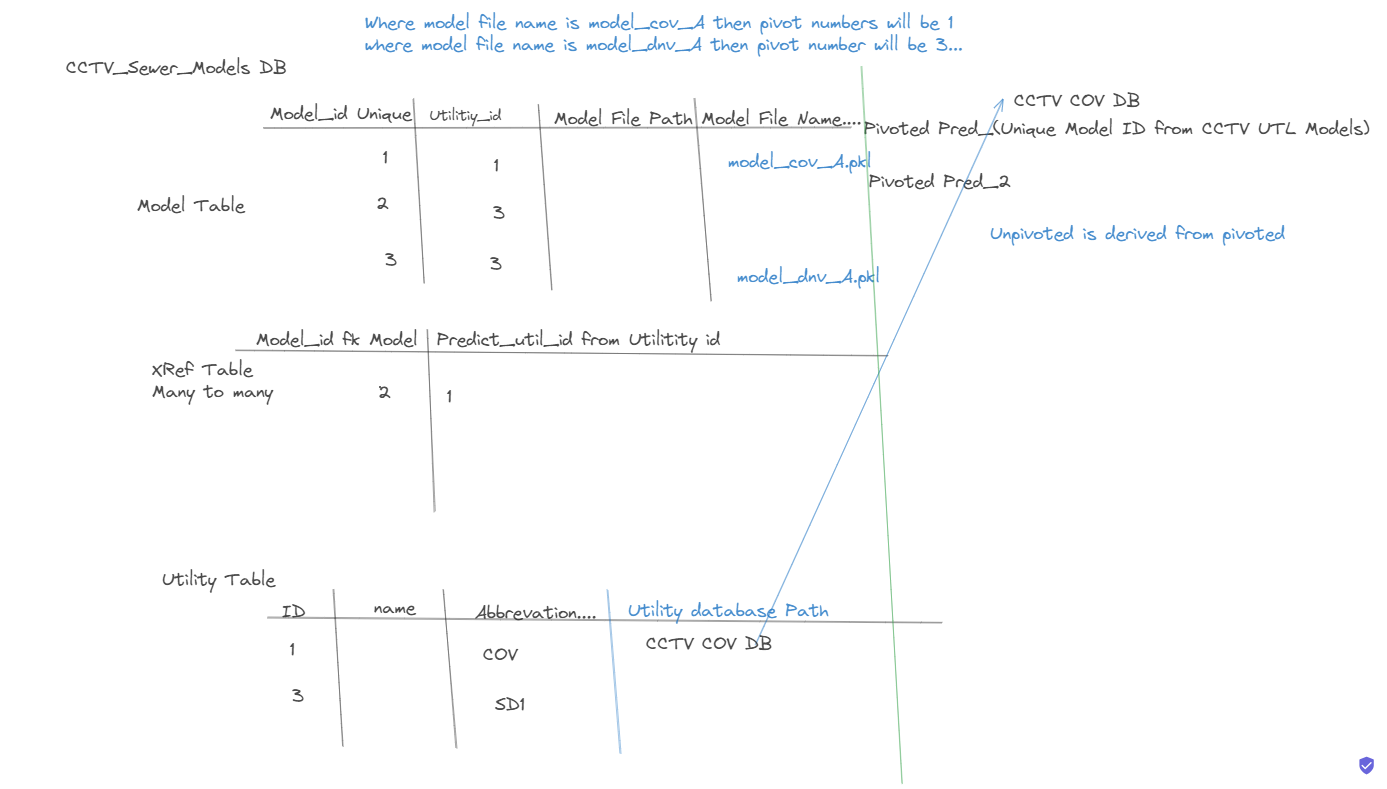
On the fly is not working correctly. SO we are going to be launching the batch testing based on video group instead.
Do we have multiple datasets running on SD1 how do we handle multiple datasets?
What the hell is the error about.
Move the cross refrence table into utility specific database. Call it model_run. It will have Model_ID, Dataset, Video Group listed.
We will need to check for the ModelID, Dataset and VG if that combination is in the database the we will go to the unpiovoted model id.
We are going to display a message here instead. On the Fly message Here. The If it is not then we run infrencing on the video group. Might need to talk it through with Sudhir how to run the batch crap.